03. Text: README Showcase
README Showcase
Let's take a look at some of the qualities of good README files. In the last video, you saw that a good README should have:
1. Installations
2. Project Motivation
3. File Descriptions
4. How to Interact with your project
5. Licensing, Authors, Acknowledgements, etc.
A full Udacity course on this topic can be found here.
Let's take a look at a few profiles that do this well, so you can have some model examples to follow when putting together your project profile.
Example 1: Bootstrap
An example a good README is shown here. Boostrap, as you can see from their logo, is a way to quickly build projects to deploy on the web.
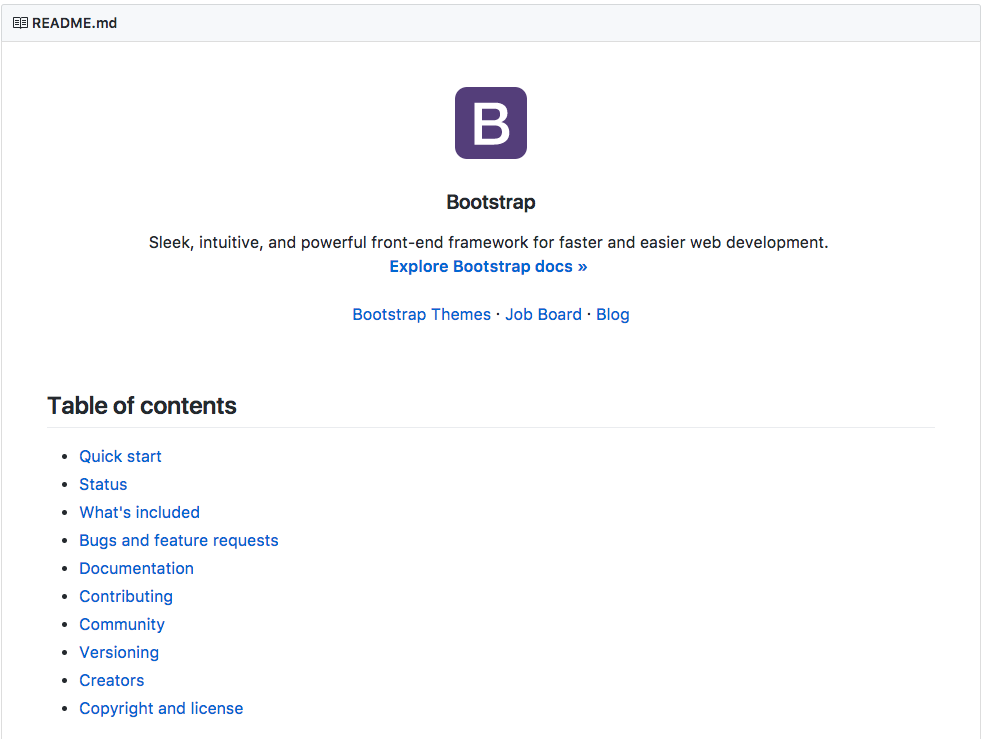
Not only does this README have all of the information of a good README file, it also provides a table of contents to quickly navigate! Depending on how long your README file is, providing a table of contents is an excellent idea for helping others navigate your documentation.
Example 2: Scikit-Learn
Another example of great documentation is through the scikit-learn documentation (also known as sklearn). Though you can get all of the information from the documentation linked in the title, the community surrounding scikit-learn has added the documentation you likely find when you Google search for particular functionality.
Therefore, the limited description of how to use this library in the README is due to the massive amount of information surrounding scikit-learn in other documentation. You can find an example of the documentation that walks you through using this extensive library here.

Example 3: Stack Overflow Blog
Now, Example 1 and 2 above aimed at assisting others with building their own websites or machine learning models using the provided code. In your case, you are showcasing your work and insights. It is still important that you provide:
1. Installation - Extra libraries that are not installed with the Anaconda distribution, as well as what what version of python you are using should be noted.
2. Project Motivation - Discuss what your project is about, and what interested you in pursuing the project.
3.File Descriptions - Guide others through the files in your repository. You may not talk about every file here, but you should let them know where they can find the work they might find most interesting.
4. How To Interact With Your Project - When your project isn't meant to be interactive or used for other projects, you should instead talk about the technical details of your project. What were your results? What did you do to improve them? What methods did you try? What worked? What didn't work?
5.Licensing, Authors, Acknowledgements - You always want to give credit where necessary. Acknowledge other contributors, helpful peers, data providers, etc.
You can use this to assist as a template for your own post.